
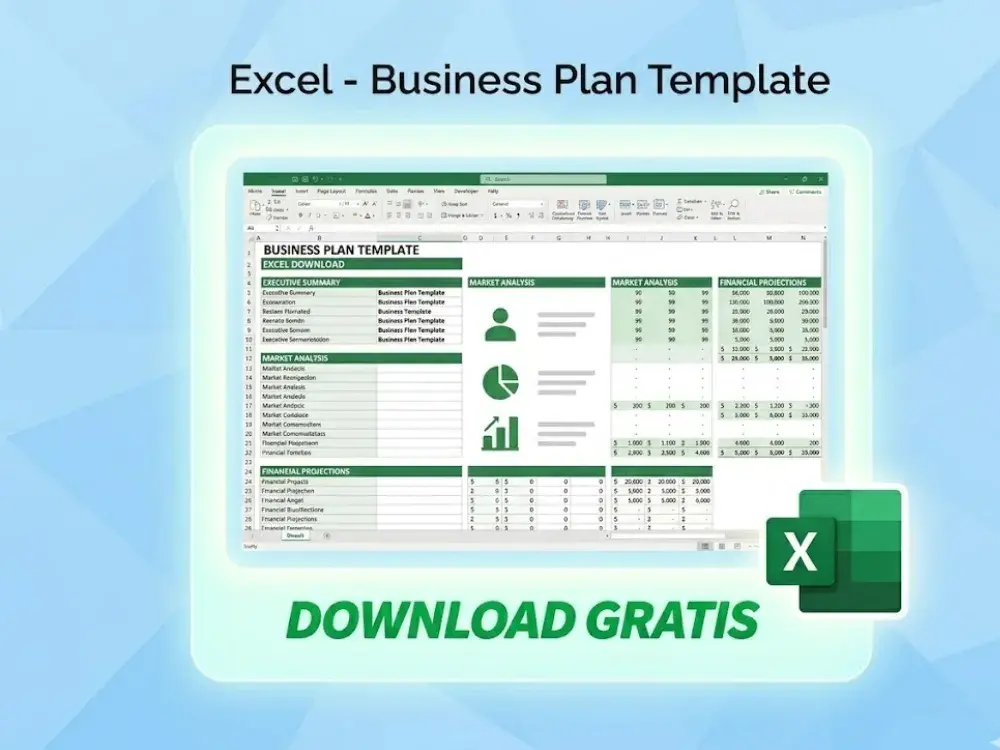
Download the project management spreadsheet
Why a project management spreadsheet remains the BI standard]
In an era of fragmented software solutions, the demand for a centralized, flexible, and high-performance project management spreadsheet has never been higher. You need a solution that integrates seamlessly with your existing tech stack without the recurring overhead of monthly subscriptions.
The architecture of a professional-grade spreadsheet allows for granular control over data modeling. Unlike rigid web-based apps, an Excel-based BI tool provides the transparency required for deep-dive audits. Consequently, global leaders are pivoting back to spreadsheet-based frameworks that utilize Power Pivot and advanced DAX formulas to mirror the capabilities of standalone BI software.
High-end automation in your project management spreadsheet
Automation is the cornerstone of the Solís Enterprises philosophy. When you implement a premium automated project tracking tool, you eliminate the manual entry errors that plague 80% of corporate data sets. By leveraging VBA (Visual Basic for Applications) and sophisticated lookup functions, these templates transform from static grids into dynamic engines.
Transitioning to an automated workflow means your Gantt charts, resource allocation maps, and budget trackers update instantaneously. Furthermore, these spreadsheets are designed to handle massive datasets, ensuring that as your enterprise scales, your tracking capabilities remain robust and lag-free.
Key features of a premium project management spreadsheet
What differentiates a basic file from a world-class project management spreadsheet? It is the intersection of UI/UX design and complex data engineering. To stay ahead in the international BI market, your tools must offer more than just checkboxes.
Real-time visualization in your project management spreadsheet
Visual storytelling is essential for stakeholder management. A high-tier spreadsheet incorporates:
- Dynamic Gantt Charts: Automatically adjusting timelines based on dependency logic.
- Burn-down Charts: Tracking velocity in Agile or hybrid environments.
- KPI Scorecards: Providing a bird’s-eye view of project health (On-track, At-risk, Critical).
Resource leveling and capacity planning
Managing human capital is the most significant challenge in global BI. Therefore, your resource management spreadsheet must include heat maps that indicate over-allocation. By visualizing workload distribution, you can prevent burnout and optimize throughput across multiple time zones.
Strategic advantages of Excel-based BI tools
While many look toward cloud-only platforms, the strategic advantage of a localized project management spreadsheet lies in its portability and security. In high-stakes international business, data sovereignty is paramount. Keeping your project data within an encrypted Excel environment provides a layer of control that third-party vendors cannot always guarantee.
Moreover, the interoperability of Excel is unmatched. You can export data to Power BI for executive presentations or import CSV files from ERP systems like SAP or Oracle. This makes the spreadsheet a versatile “data translator” in your organizational ecosystem. For those looking for even more specialized formulas, resources like Excel Projects AJ offer deep insights into advanced spreadsheet logic.
Scalability and the project management spreadsheet
You might wonder if a spreadsheet can handle a multi-million dollar portfolio. The answer is yes—provided the backend logic is optimized. By using “Table” objects and structured references, a project management spreadsheet maintains its integrity even as row counts grow into the thousands. This scalability is why Solís Enterprises focuses on “Lightweight BI”—heavyweight power without the bloated infrastructure. Download the project management spreadsheet.
Implementing a data-driven culture with spreadsheets
Adopting a high-end project management spreadsheet is more than a technical upgrade; it is a cultural shift. It encourages your team to think in terms of measurable outcomes. When every task is tied to a data point, accountability becomes automated.
Training and adoption of your project management spreadsheet
Because most professionals are already familiar with the Excel interface, the learning curve is significantly reduced. This leads to higher adoption rates compared to complex Jira or Asana implementations. You save time on onboarding and spend more time on execution.
FAQ: Optimizing your project management spreadsheet
Absolutely. For many organizations, the flexibility and zero-subscription cost of an advanced Excel template provide a better ROI than SaaS platforms, especially when customized for specific BI needs.
Premium templates use data validation, protected sheets, and hidden calculation layers to ensure that users only interact with the necessary inputs, keeping the core logic safe.
Yes. Modern Excel versions allow for API integrations. You can connect your spreadsheet to LLMs for automated status reporting or risk prediction based on historical data.
Yes, our templates include Sprint trackers and Kanban-style visualizers that adapt to both Waterfall and Agile frameworks perfectly.
A standard installation of Microsoft Excel (2019 or later, or Microsoft 365) is sufficient to run even the most complex Solís Enterprises dashboards.
By utilizing OneDrive or SharePoint integration, you can maintain a “Single Source of Truth” with full version history and co-authoring capabilities.
Elevate Your Project Intelligence Today
Stop struggling with manual tracking. Access the world’s most powerful, BI-ready Excel dashboards designed for elite project managers.
VISIT THE STOREConclusion
In conclusion, the project management spreadsheet is far from obsolete; it is the “Swiss Army Knife” of the international BI professional. By combining the familiarity of Excel with the power of advanced data engineering, Solís Enterprises provides you with the tools necessary to dominate your market. Whether you are managing a small team or a global enterprise, the right data structure is your most valuable asset. Download the project management spreadsheet